Password Reset
If you have forgotten your password, you can reset it via the login page.
How to reset your password
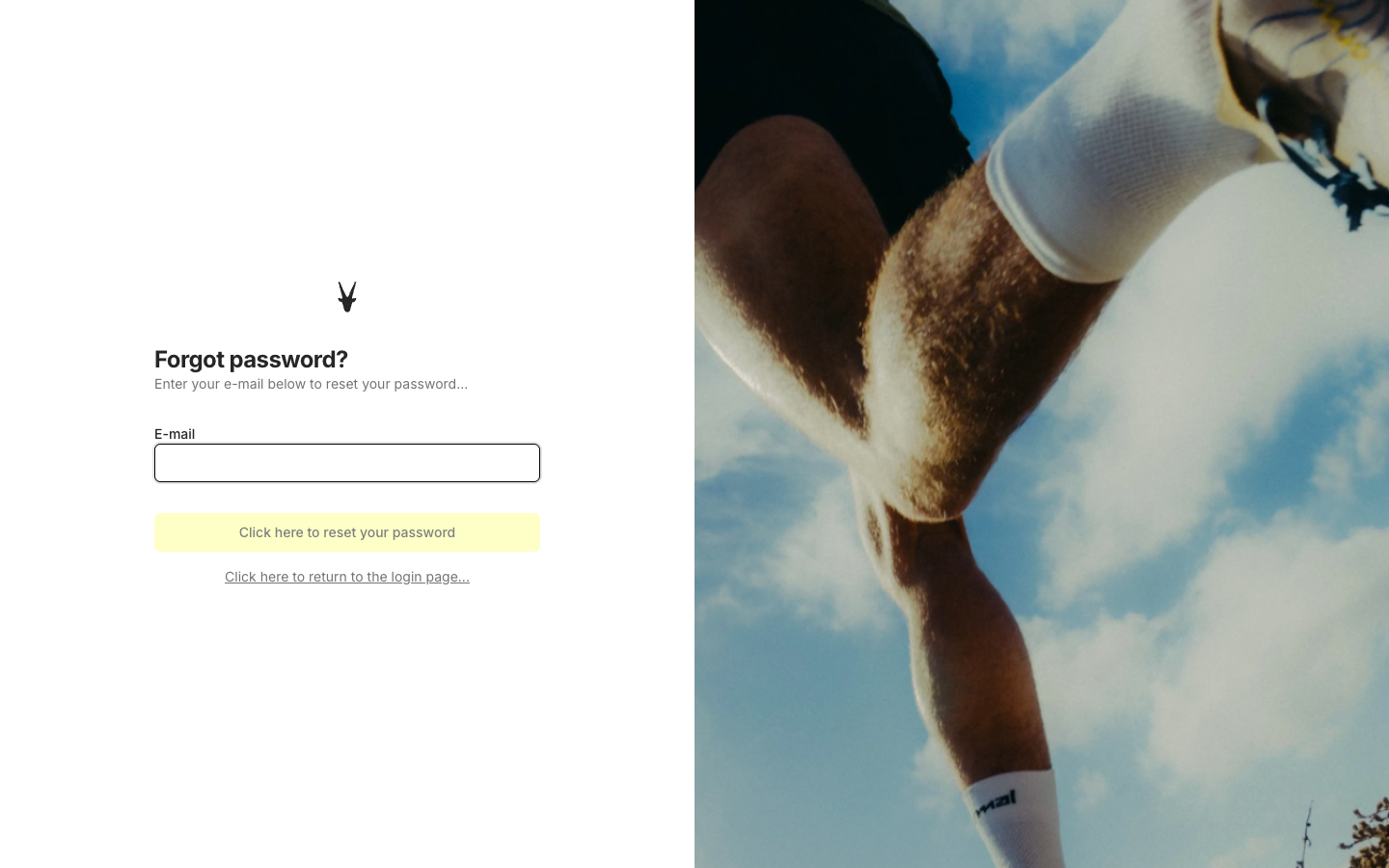
Step 1 — Request a reset link
- Go to the login page
- Click Forgot password?
- Enter the email address associated with your Coachbox account
- Click Reset password
Step 2 — Check your email
You will receive an email with a link to reset your password. Click the link in the email to continue.
If you don't see the email, check your spam or junk folder.
Step 3 — Choose a new password
- Enter your new password
- Confirm by entering the password again in the Repeat new password field
- Click Reset password
Step 4 — Log in
Your password has been reset. Click To login to return to the login page and sign in with your new password.
Good to know
- The reset link in the email is valid for a limited time. If the link has expired, you will see an error message — simply request a new reset link.
- Your email address is not changed during a password reset — only your password is updated.
- If you are still unable to log in after resetting your password, contact support@coachbox.app.